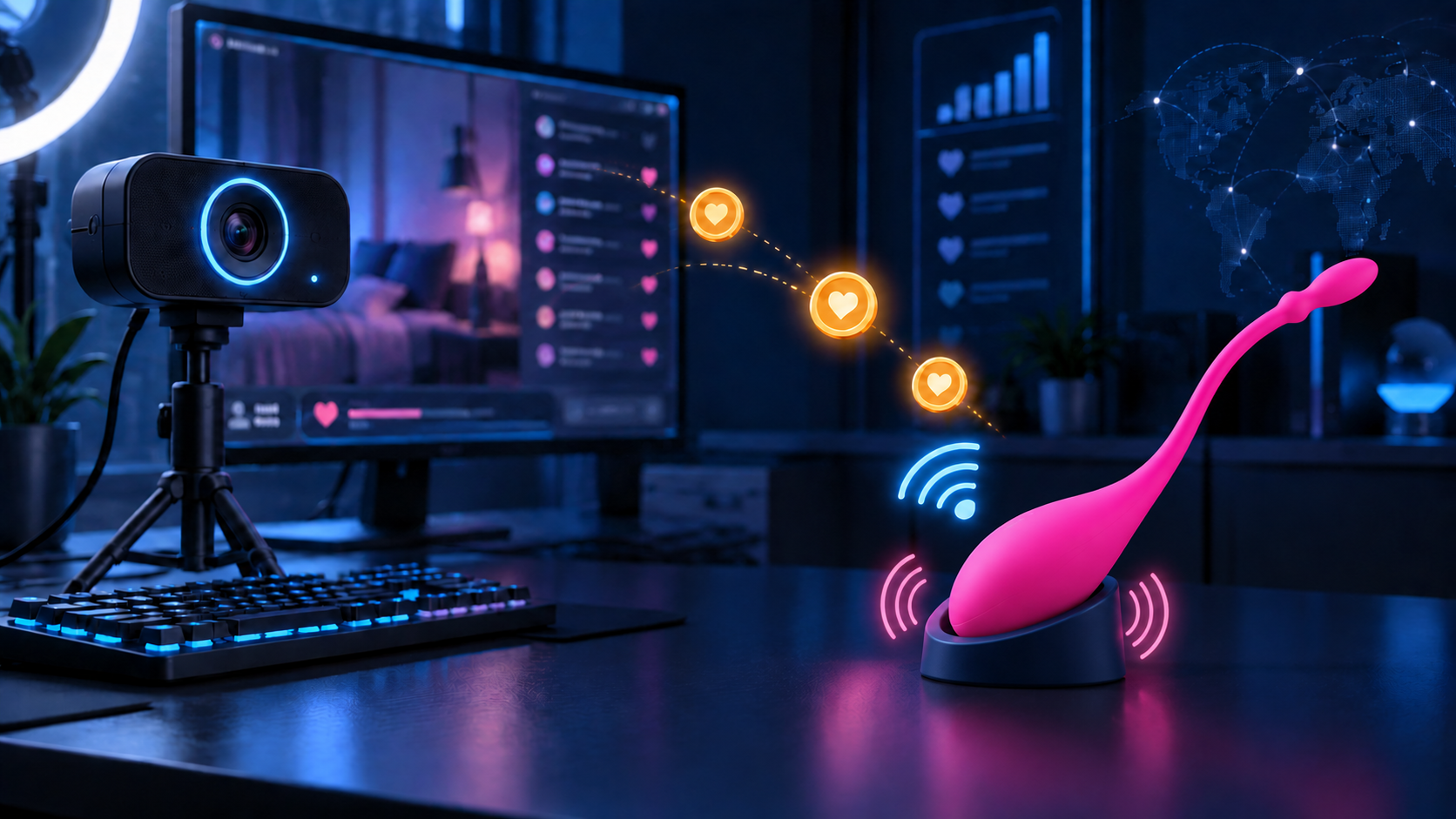
Lovense toys work on cam sites by connecting viewer tips to a model’s app-controlled toy. When someone sends tokens, the cam site and Lovense streaming software process the tip, then start the action assigned to that amount. A small tip might produce a gentle vibration, while a larger one could increase the strength or keep the device running longer.
Settings are different in every room. Models create their own tip levels and choose the intensity, duration or pattern linked to each price. As a result, the same number of tokens can produce very different effects from one show to another.
Lovense is a brand rather than a single type of cam toy. Lush is one of its most recognizable products: a wearable internal vibrator with a curved tail that remains outside the body. Other models include Nora, which combines vibration with rotation; Hush, a vibrating anal plug; and Domi, a wand-style vibrator. They use the same general connection system, but their movements and functions are not identical.
How Do Tips Control a Lovense Toy?
Before going live, the model connects a compatible device through Lovense Connect and sets the tip levels using the company’s streaming tools. Each token amount or range is linked to a particular action.
A menu might assign a low setting to tips from 1 to 9 tokens, a medium setting to 10–49 tokens and a stronger effect to amounts of 50 tokens or more. These figures are only an illustration. One room may offer a strong vibration for 25 tokens, while another requires 100 tokens for something similar.
The cam site and software handle the connection, but the prices and actions come from the room’s own menu. Viewers can usually find it in the chat, room description or Lovense panel.
Intensity vs. Duration: Why More Tokens Do Not Always Mean More Power
A higher tip does not necessarily increase the intensity. Every device has a maximum setting, and once that level has been reached, a larger amount may add time instead. For instance, 20 tokens could start a strong vibration for 5 seconds, while 100 tokens could keep the same setting running for 30 seconds.
Some menu items launch a particular rhythm or pattern rather than a steady vibration. Toys with additional functions can also produce other types of movement. What happens depends on both the connected product and the way the room has been configured.
When several viewers tip within a short period, one action may follow another, keeping the device running for longer. The sensation itself is also affected by its position and the model’s personal sensitivity. This explains why identical settings do not always produce identical reactions on camera.
What Is Give Control?
Give Control works differently from a regular tip. Instead of paying for one action configured in advance, a viewer receives temporary access to operate the connected toy directly.
If the feature is enabled, the model sets its token price and the length of the session. On supported cam sites, a “Control toy” option may appear in the room’s menu. After paying the required amount, the viewer receives a control panel with the functions supported by that setup, such as changing the intensity or selecting a pattern.
The exact interface depends on the cam site, the streaming tools and the connected product. Throughout the session, the model remains in charge and can end access or disconnect the device at any time. Control also stops automatically when the allotted period expires.
Unlike an ordinary tip, which starts a single preset action, Give Control lets the viewer adjust the toy during the session. This creates a more direct connection between the viewer’s choices and the model’s experience.
Do Viewers Need a Lovense Toy or App?
Viewers do not need to own a Lovense toy to send tokens and start the actions listed in a model’s tip menu. Ordinary tipping works through the cam site, with the connection handled on the model’s side.
A personal Lovense device is only relevant to extra features that allow 2 compatible toys to interact or follow the same movements. Those options require the Lovense Remote app, depend on the equipment being used and must be permitted by the model. They are separate from standard tip reactions and are not offered in every room.
How to Find Cam Models Using Lovense
The Lovense Cams category on CamsTracker brings together models whose profiles indicate the use of a connected toy. It shows who is currently online and lets you open a room directly to view its tip menu and control options.
You can also look for a Lovense icon, a toy-status panel or a mention of Lush in the room title, profile or menu. Notifications sometimes appear during a show when tokens start the connected device.
A Lovense label does not guarantee that the toy is switched on throughout every broadcast. Models may change their settings between shows or connect the device for only part of a session. Before sending tokens or paying for Give Control, ask the model which toy is currently connected and what each menu option includes.